
You open your browser to check your academic emails in Nantes, and the page you used last year displays an error. This is normal. Since January 12, 2026, the Webmel service of the Nantes academy has officially been disabled. Professional messaging now goes through a unique national portal, and the old references no longer work.
End of Webmel ac-nantes.fr: what has changed in 2026
Many online guides still refer to webmel.ac-nantes.fr. This address is obsolete. The Nantes academy began migrating to the messagerie.education.gouv.fr portal starting in the 2023-2024 school year, with a gradual transition of mailboxes.
The transition is now complete. The login credentials remain the same ([email protected]), but the entry point has changed. Any bookmark or shortcut pointing to the old Webmel must be updated.
To access the academic webmail of Nantes in 2026, you must go through either the national portal, the ETNA intranet, or moncompte.ac-nantes.fr. Each of these paths leads to the same inbox.
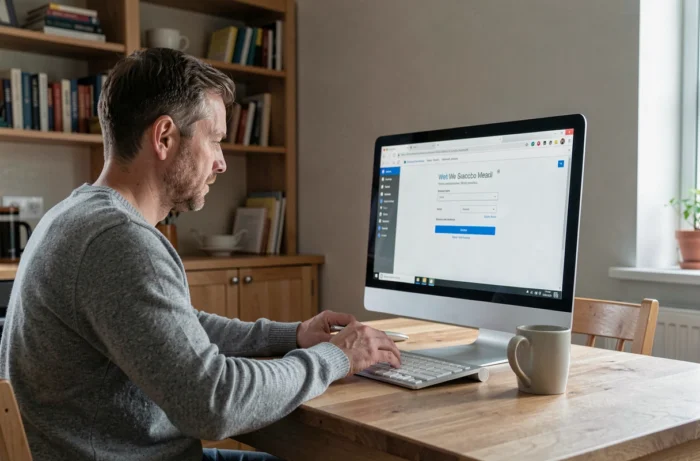
Connecting via ETNA and moncompte.ac-nantes.fr: the concrete path
Have you already noticed that the academy offers several entry points to the messaging service? Here are the two recommended paths, depending on your situation.
Using the ETNA intranet
The ETNA intranet is accessible from the ac-nantes.fr site, under the “Quick Access” section. Once logged in with your academic credentials, the path is as follows:
- Open the “Applications and Portals” section in the main ETNA menu.
- Click on “Communication and Collaboration,” then on “Messaging.”
- You will be taken directly to your inbox, without having to enter your password again.
This path works particularly well if you are already logged into ETNA for other administrative tasks. Single sign-on avoids double entry.
Using moncompte.ac-nantes.fr
moncompte.ac-nantes.fr is the mandatory portal for managing your academic access. This is where you initialize or reset your password. Once authenticated, a direct link to the national messaging service appears on your dashboard.
This portal is also the gateway for contract staff or recently appointed personnel who have never activated their account. Without prior activation on moncompte, no access to the messaging service is possible.
Forgotten password or unactivated account: unlocking access
This is the most common issue. You enter your credentials, and the portal refuses the connection. Two scenarios arise.
If you have never activated your academic account, go to moncompte.ac-nantes.fr. The system will ask for your NUMEN (national education identification number) and your date of birth to create a password. Without a NUMEN, contact your institution’s administration.
If you have forgotten your password, the procedure also goes through moncompte.ac-nantes.fr. Click on “Forgot Password,” then follow the instructions sent to your backup email address. Do you have a backup email address registered? If not, only the academy’s IT support can manually reset your access.
The browser and cache trap
After the migration to the national messaging service, some browsers retain the old cookies from webmel.ac-nantes.fr in their cache. This causes redirection loops or authentication errors.
The solution is simple: clear the cache and cookies related to the ac-nantes.fr domain, then restart your browser. On Firefox, this is done in Settings, then Privacy, then Cookies and Site Data. On Chrome, go through Settings, then Privacy and Security.
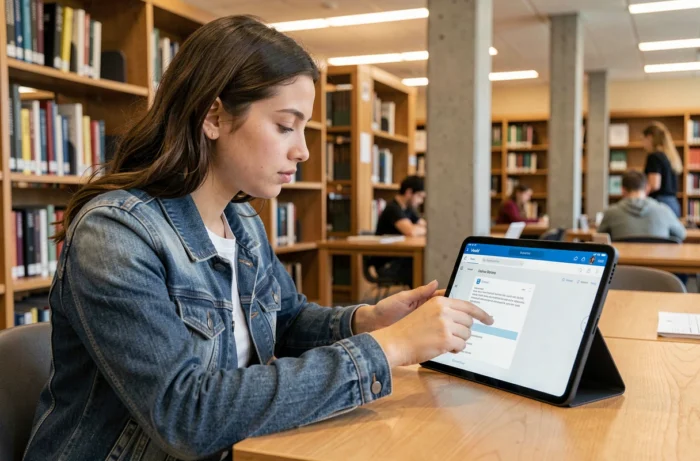
Setting up Nantes academic messaging on smartphone
Accessing on mobile does not go through your phone’s browser (even though it is technically possible). Setting up through a native mail app offers much greater comfort.
The academy uses the IMAP protocol for receiving and SMTP for sending. The settings to enter in your mail app are as follows:
- IMAP Incoming Server: use the address provided by messagerie.education.gouv.fr during your first connection (it varies depending on the server assigned to your mailbox).
- SMTP Outgoing Server: same logic, the exact address is indicated in your account settings on the national portal.
- Username: your full address [email protected].
- Port and encryption: IMAP on the secure port with SSL/TLS, SMTP with STARTTLS. These settings ensure that your emails are transmitted securely.
On iOS, go to Settings, then Mail, then Accounts, then Add Account, then Other. Enter the above settings. On Android, the procedure is similar in the Gmail app or the manufacturer’s mail app.
A often overlooked point: the IMAP and SMTP settings change if your mailbox has been recently migrated. If your mobile app has not synchronized since early 2026, delete the configured mail account and recreate it with the new settings from the national portal.
Nantes academic messaging: reflexes to adopt after migration
The migration to messagerie.education.gouv.fr did not change the content of your mailbox. Your old emails, contacts, and folders have been transferred. However, make sure that your trash folder and your custom subfolders are intact after the first login.
Remember to update your search filters and sorting rules if you had configured any on the old Webmel. Not all of these rules were migrated automatically.
Register a backup email address on moncompte.ac-nantes.fr. This is the only safety net in case of password loss. Without this address, the recovery process involves calling academic support, with delays that can exceed a day during the back-to-school period.